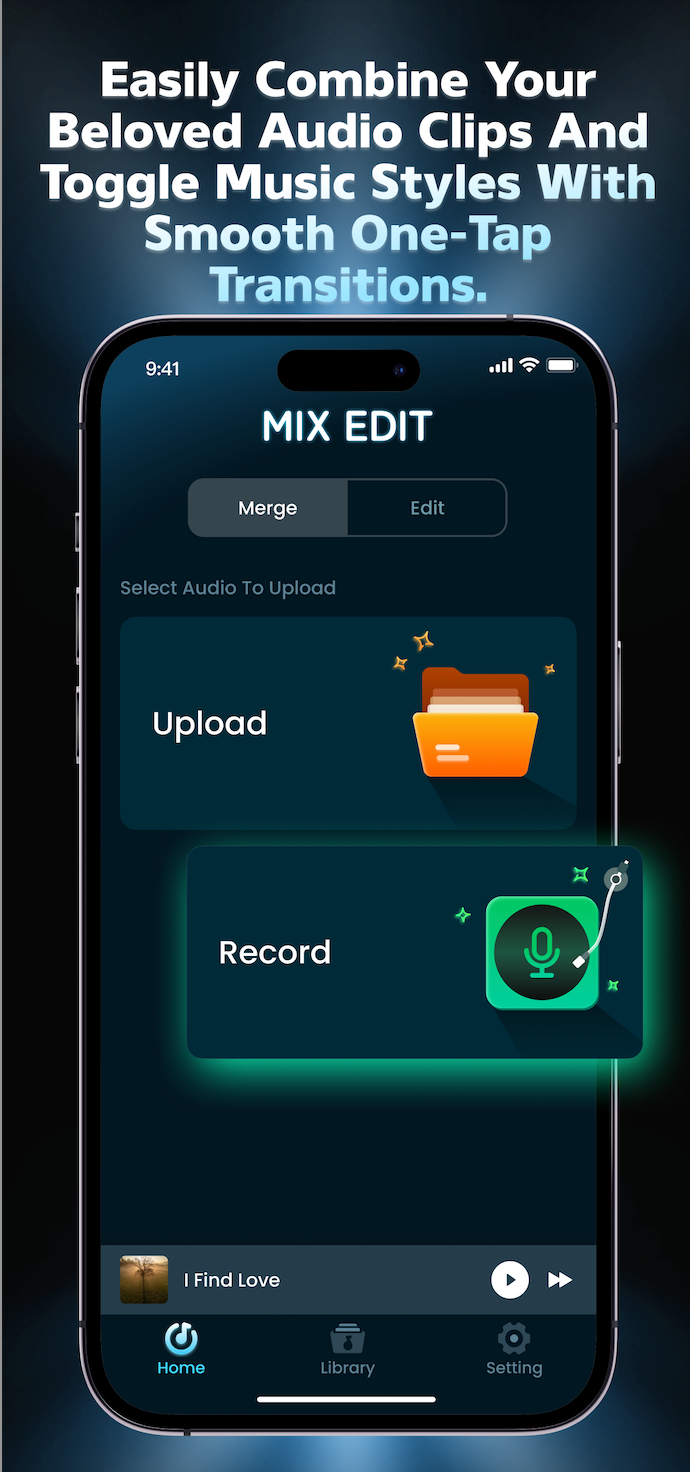
Start with a file from your device or capture a new idea.
A simple audio workbench
Make a track from the clips you already have.
Mix Edit brings together upload, recording, merging and style switching in one clear flow — so a rough idea can become something worth replaying.
MIX DESK / 018 styles ready
RAWREADY
The signal path
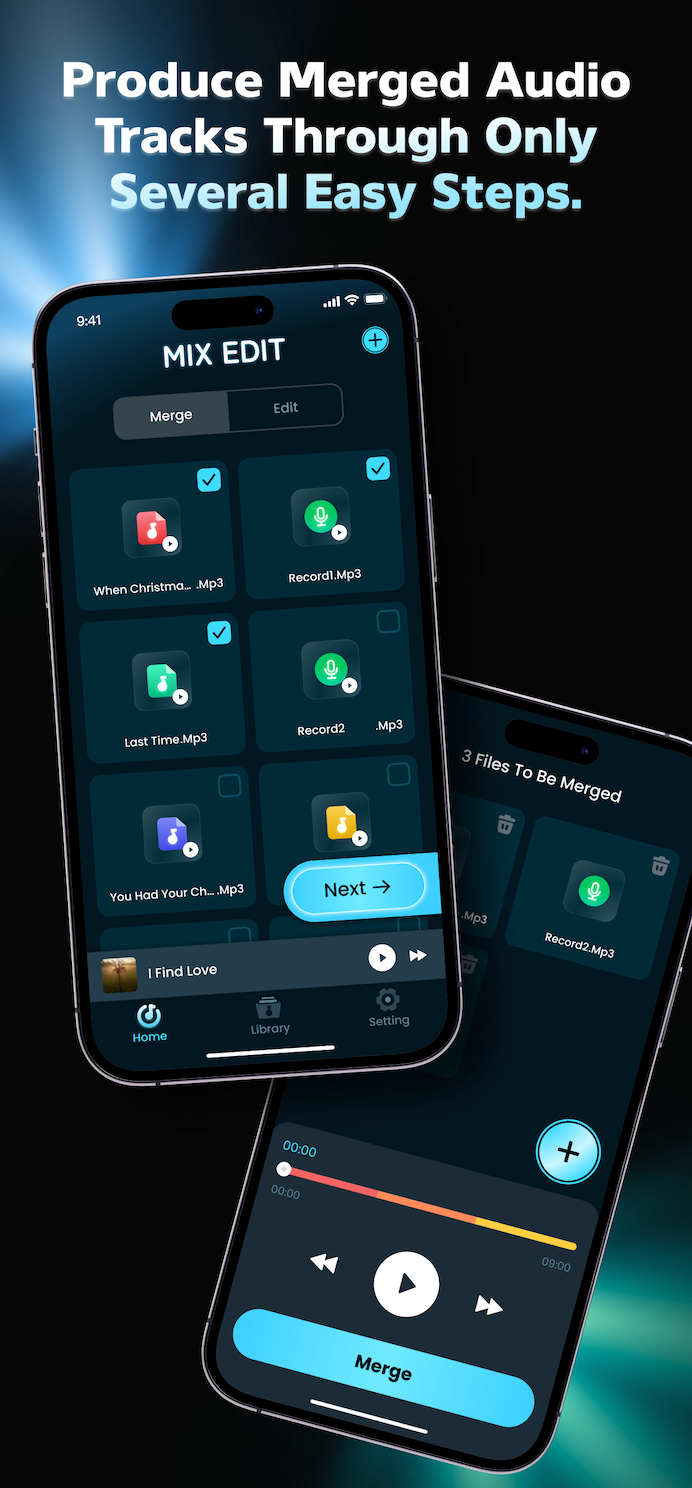
Four moves from rough clip to finished track.
Each screen has one job. The app keeps the next decision close, so you can stay in the creative moment.
Select the audio clips that belong together.
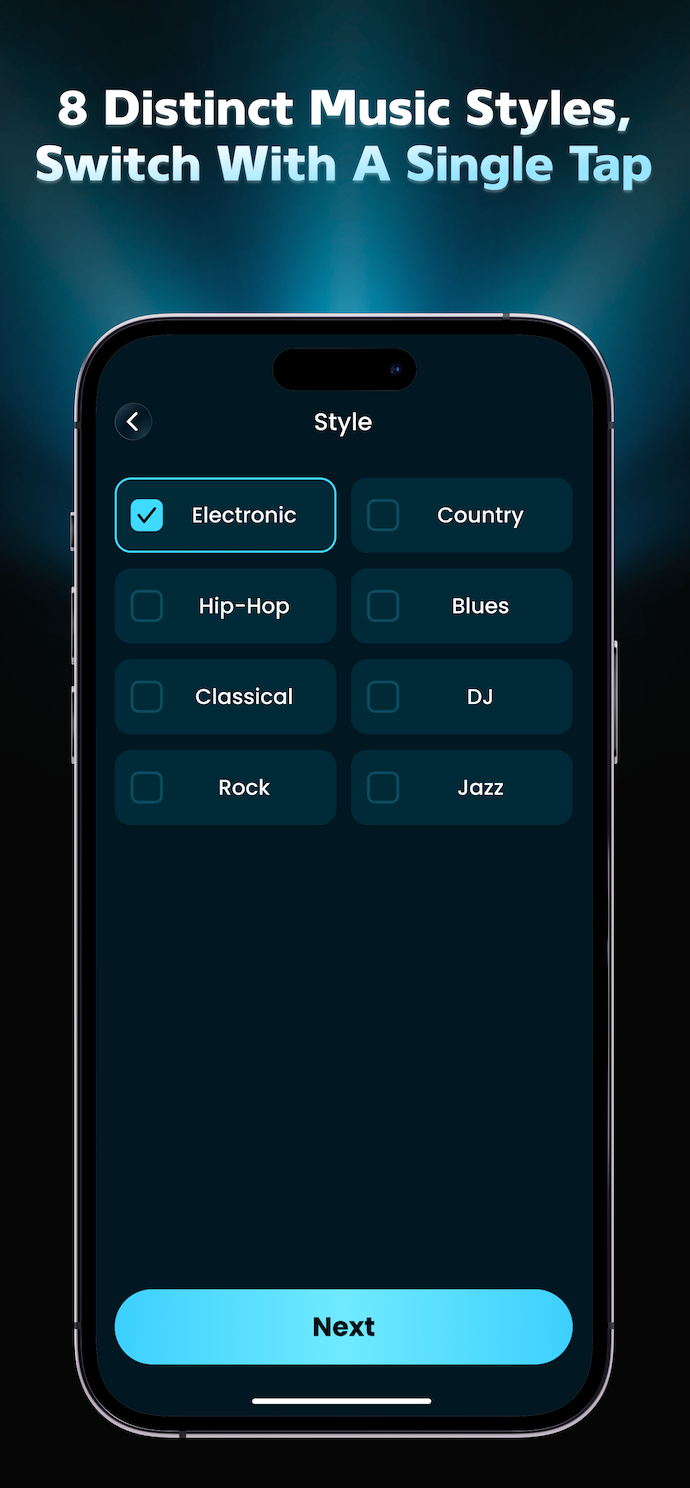
Try one of eight music styles with a single tap.
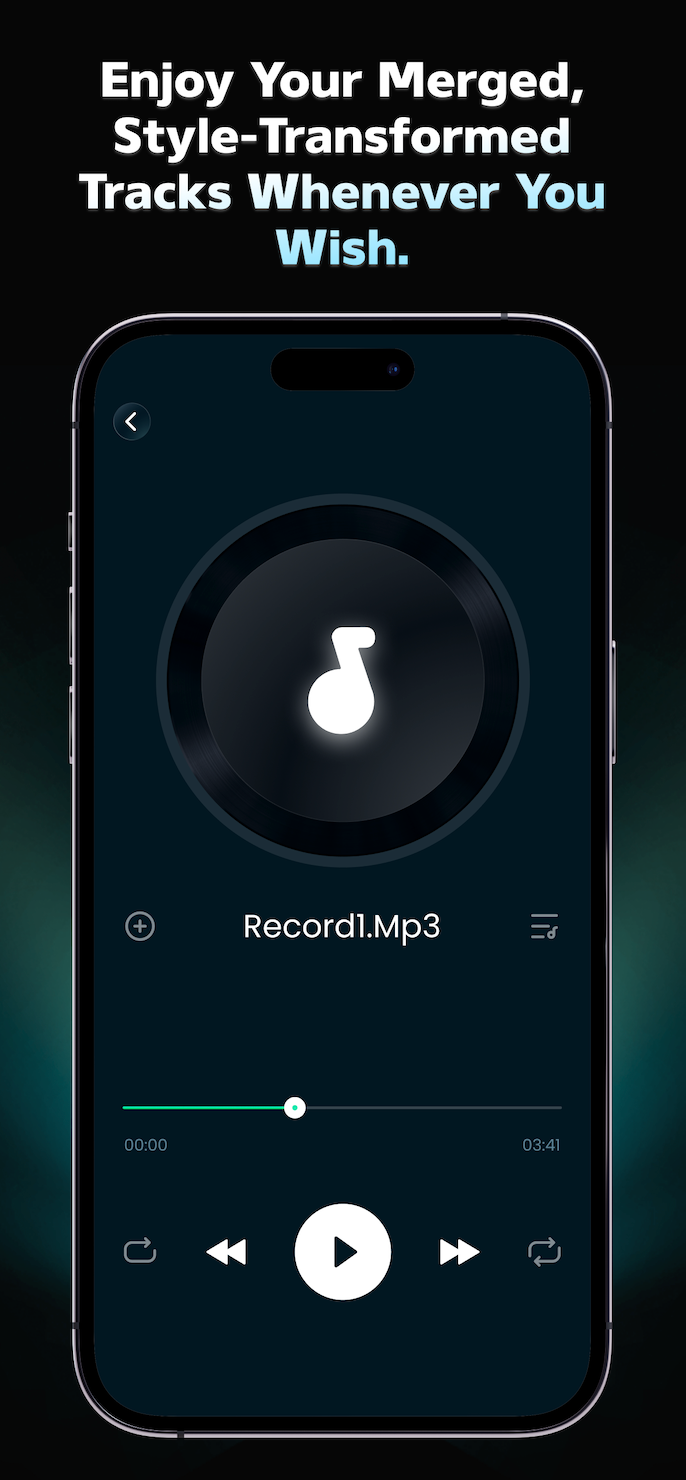
Play the result, then save it to a playlist you can find again.
Eight directions
Give the same clip a different pulse.
Mix Edit keeps style selection visual and quick. Pick a direction, listen back, and keep moving.
Electronic
Country
Hip-Hop
Blues
Classical
DJ
Rock
Jazz
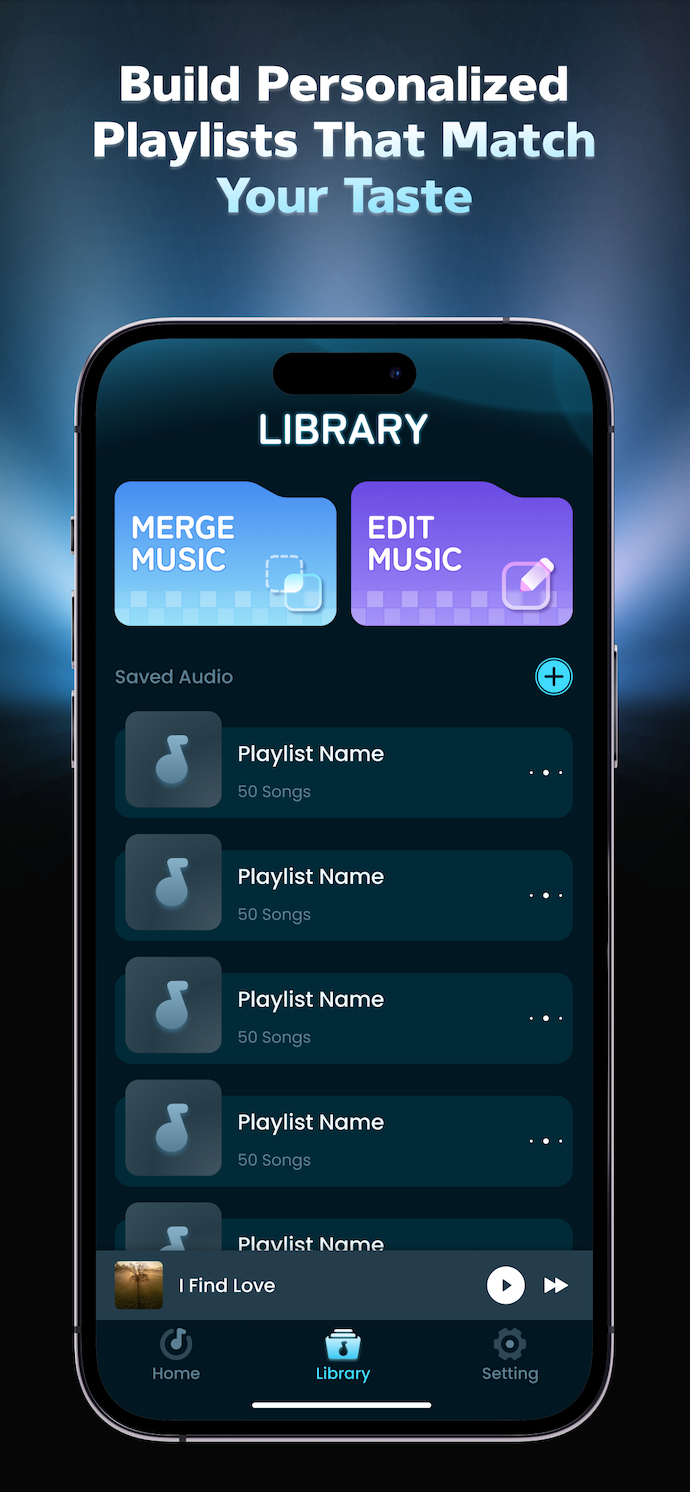
The part you keep
Listen back. Save the version that feels like yours.
Playback controls, a clear result screen and personalized playlists make the last step feel as considered as the first.
- 01Hear the merged track with familiar playback controls.
- 02Keep a growing library of the versions you want to revisit.
- 03Contact the Mix Edit team at najibualiyu090@gmail.com.
Open a line
Have a track in mind?
Send a note to the Mix Edit team. This form is a front-end contact prompt and will show a confirmation in the browser.